AI Virtual Staging

Stage the whole listing, not just one room.

Upload every room in the listing at once, compare each result against the original, choose the version you want, and download the finished set as one archive.
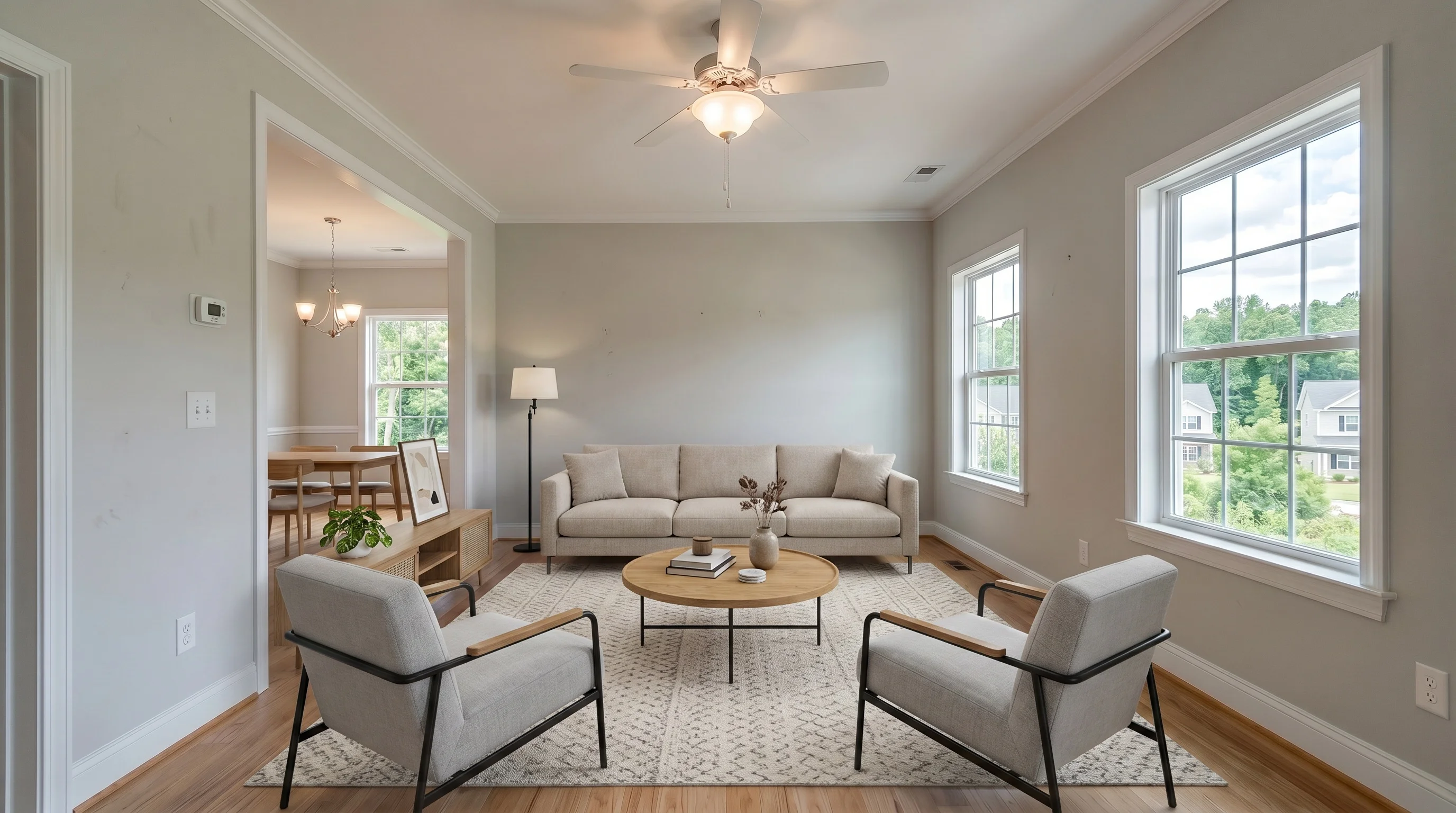
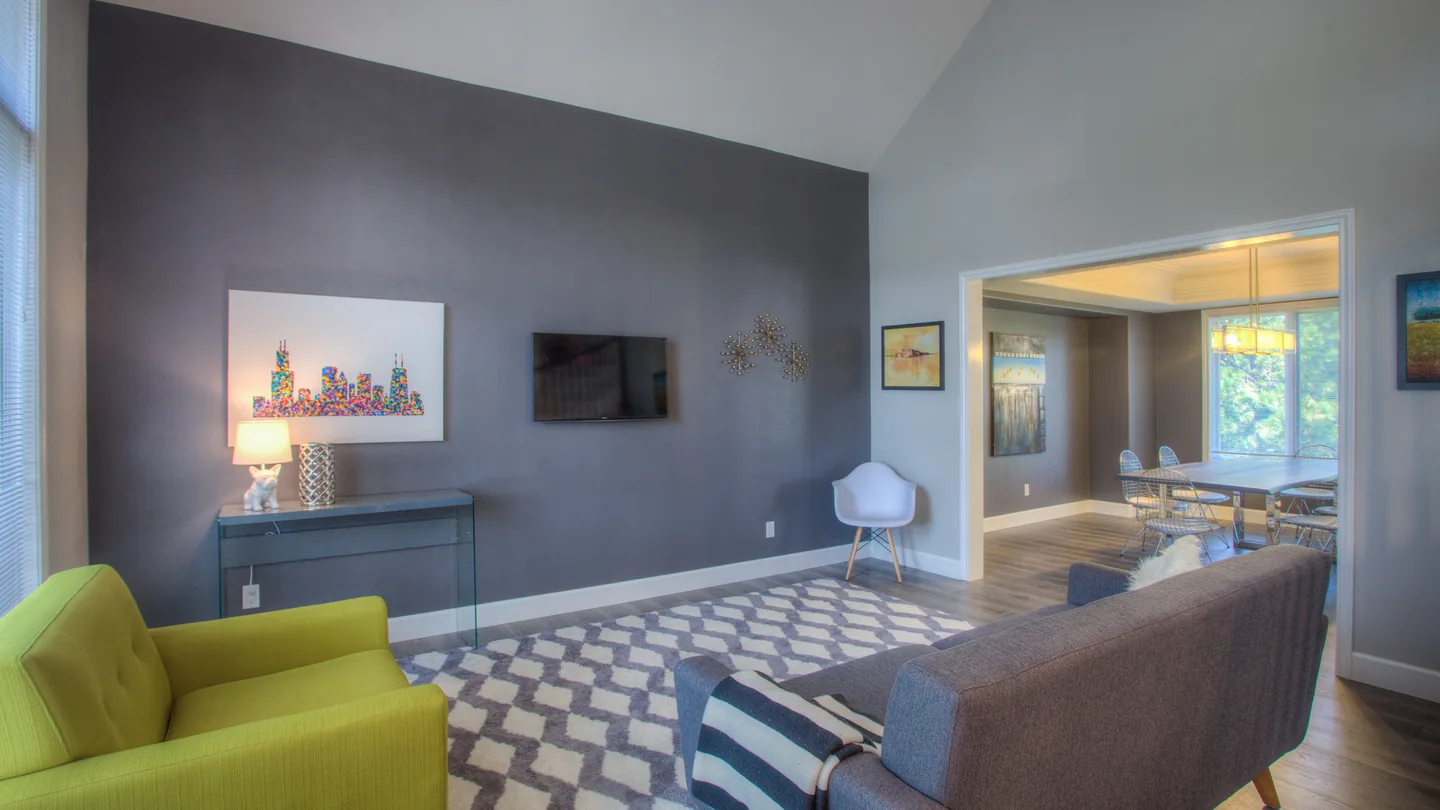
Bright Suburban Living after AI virtual staging in modern style
Modern
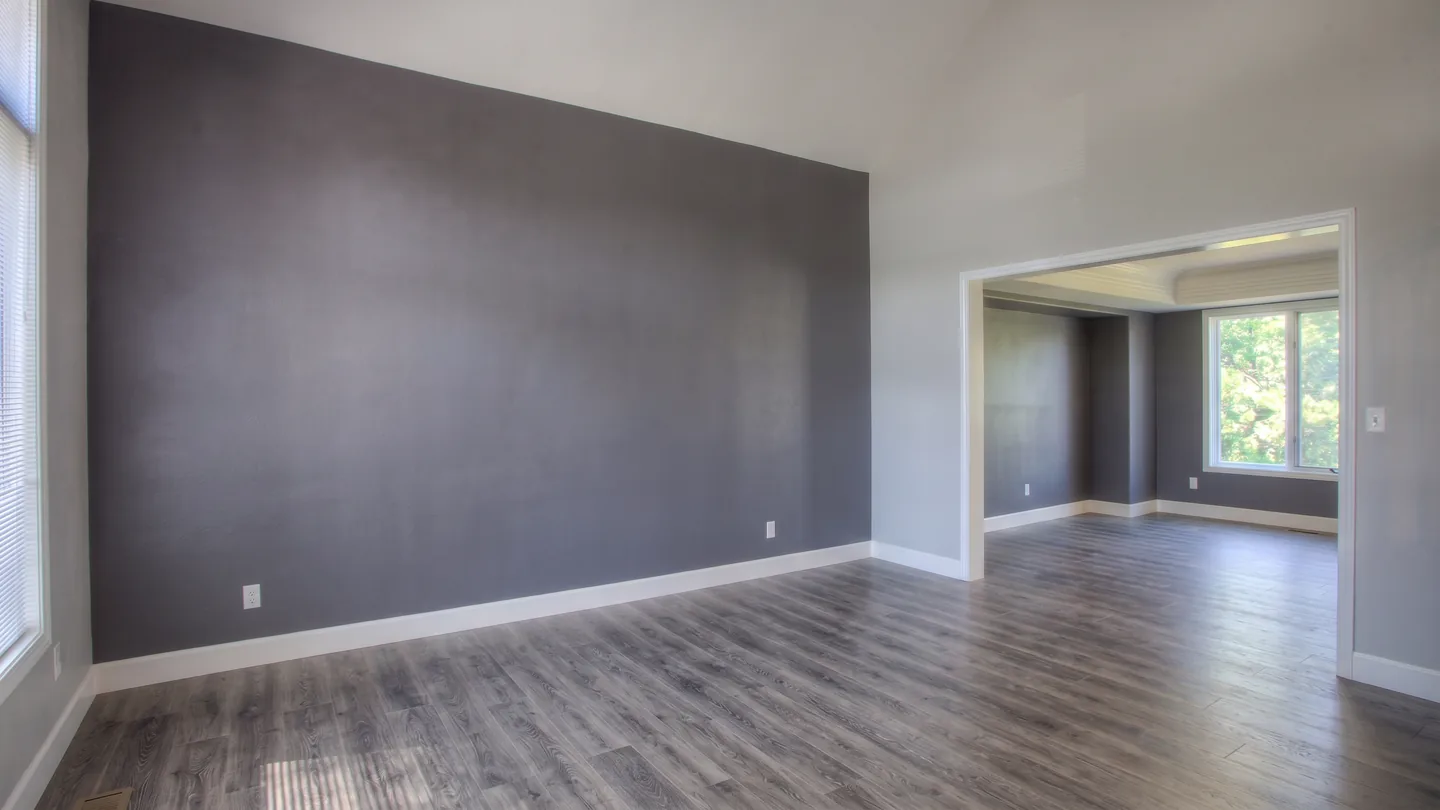
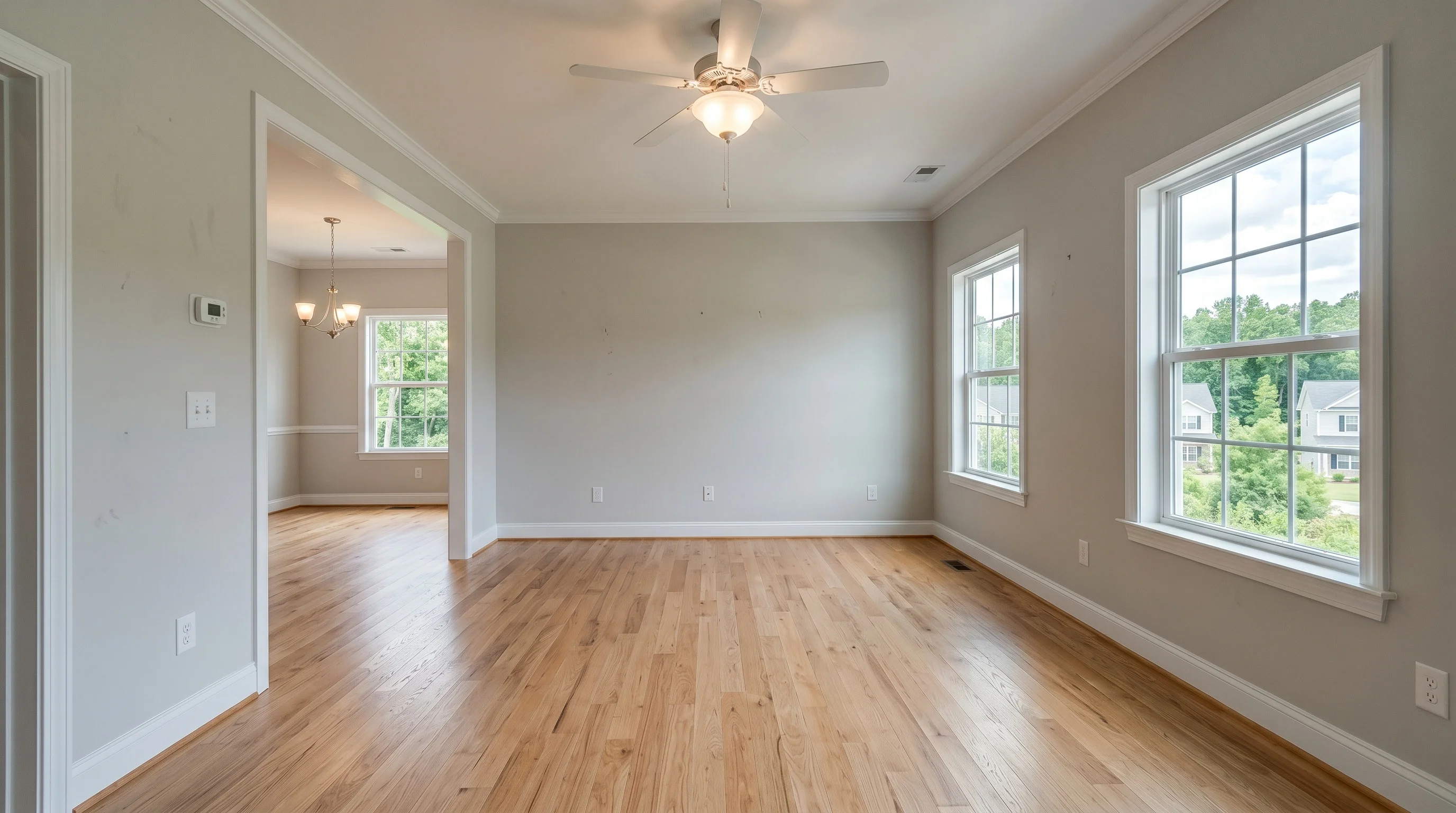
Bright Suburban Living before AI virtual staging
Before
Try 3 photos free · No credit card
  • Commercial license
  • Disclosure tools
  • Cancel anytime
Example listing · 4 rooms

One property. 4 staged rooms.

Uploaded together and reviewed in one workspace — each photo against its own original before it was marked final.
4 photos · Modern
Living room, staged in modern style
01 · Living roomFinal
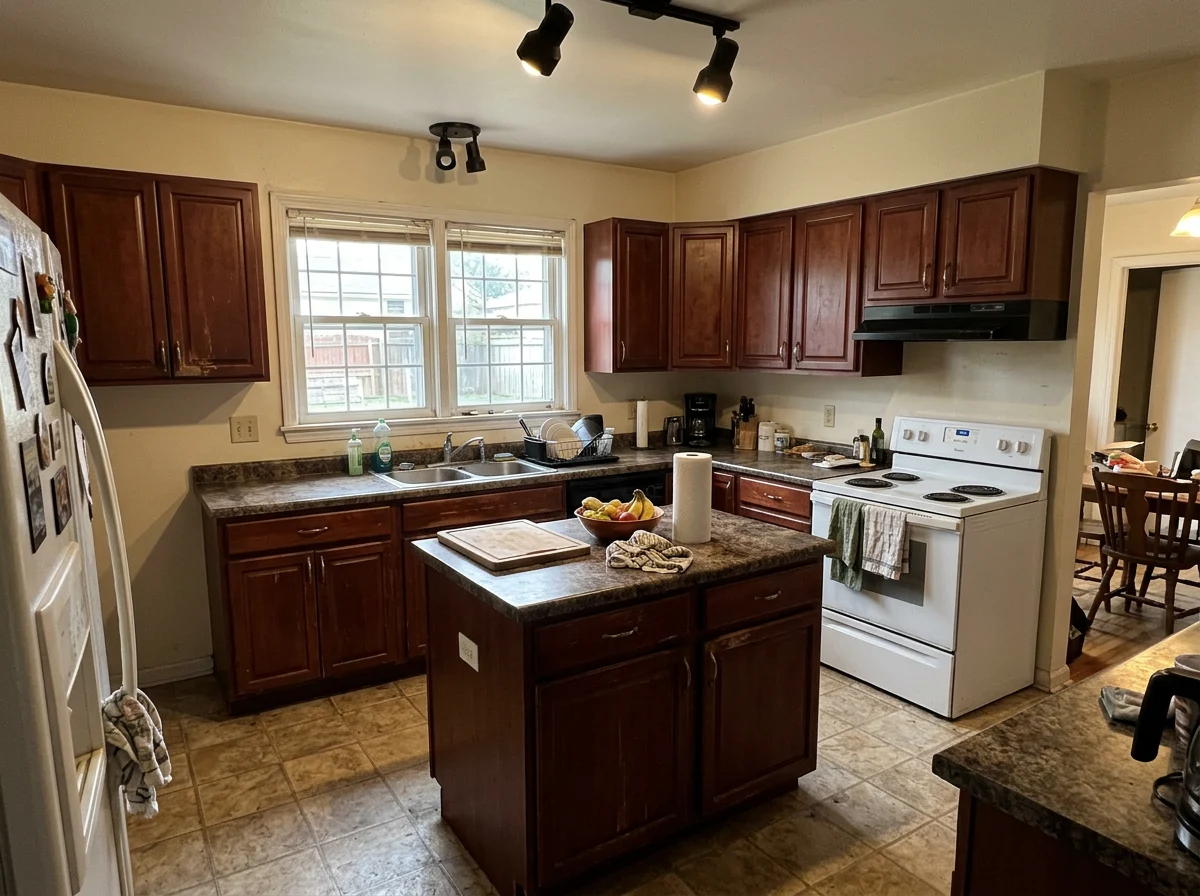
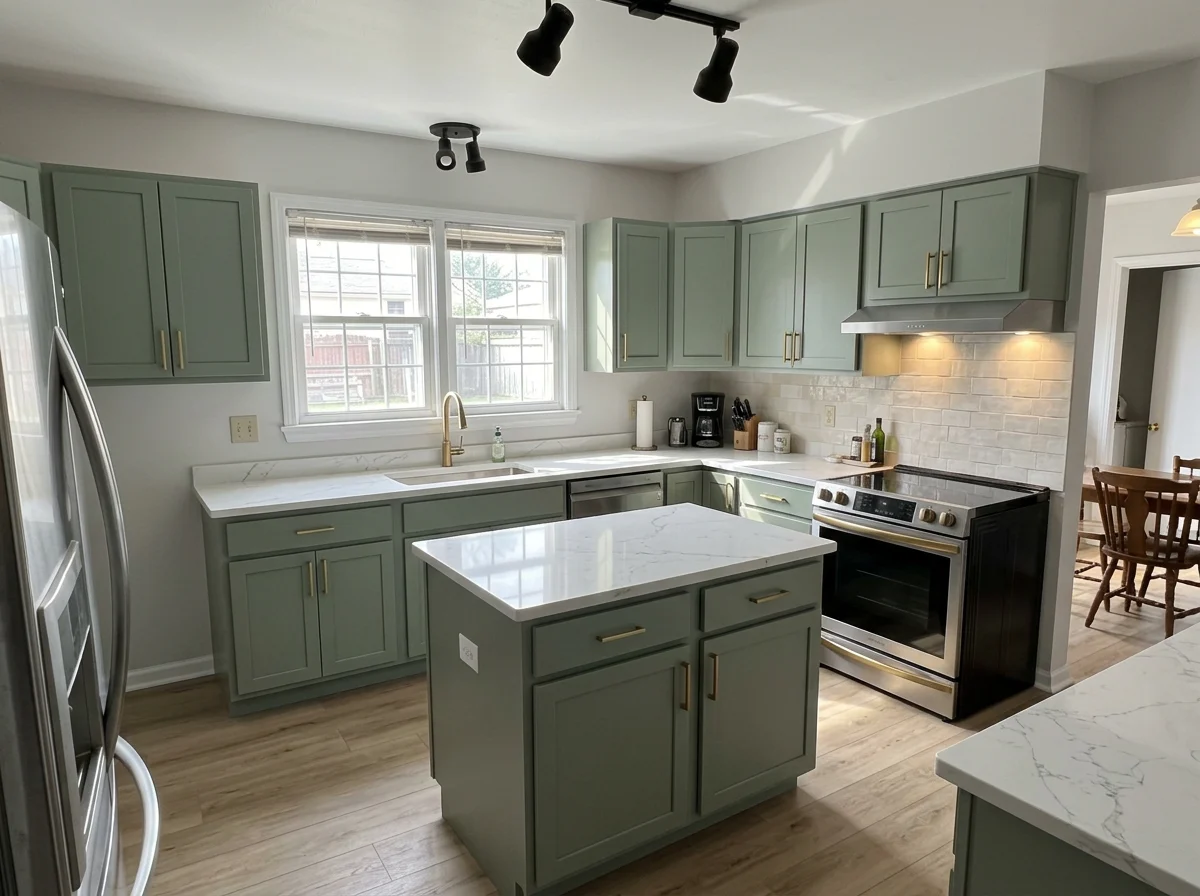
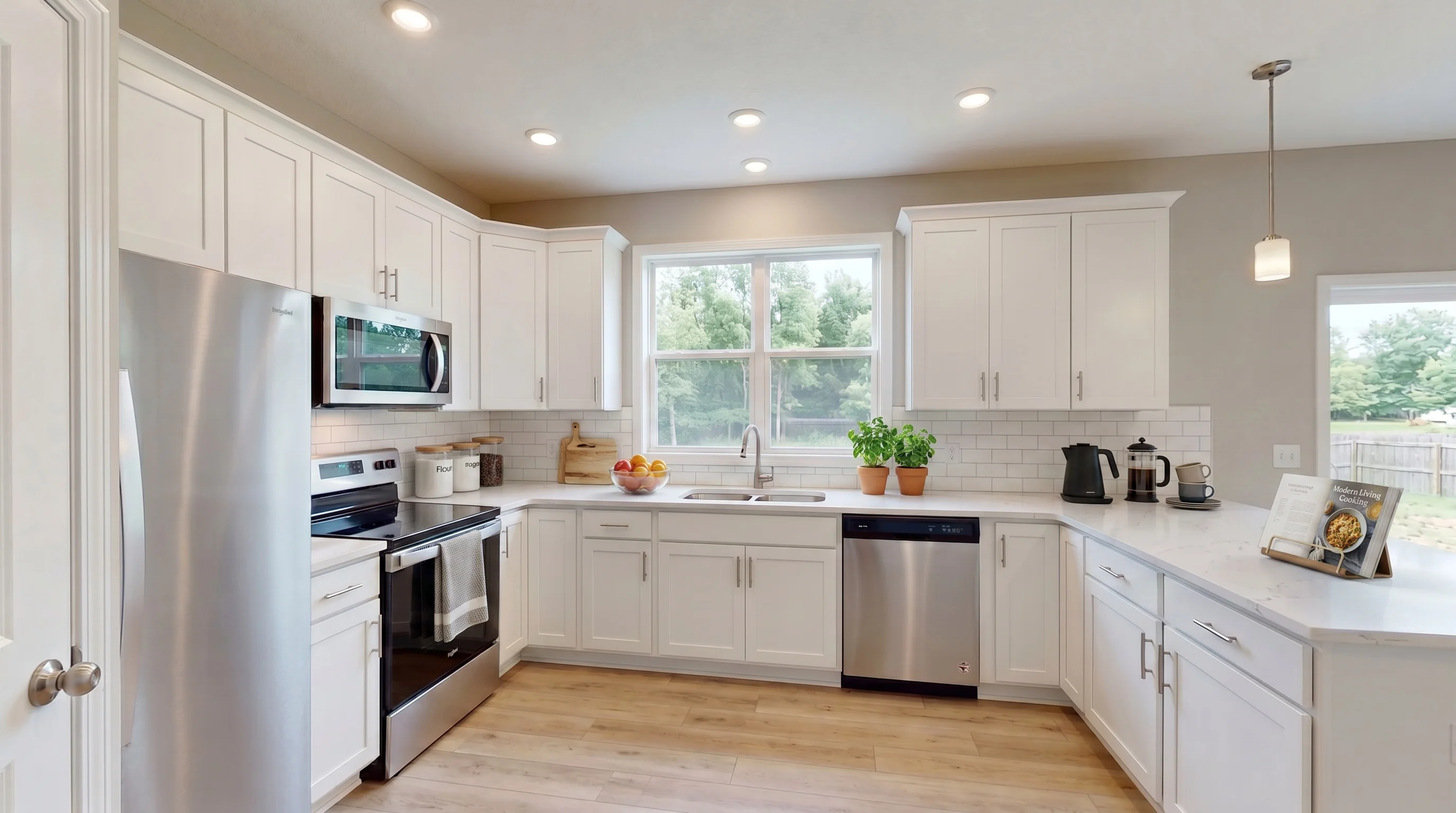
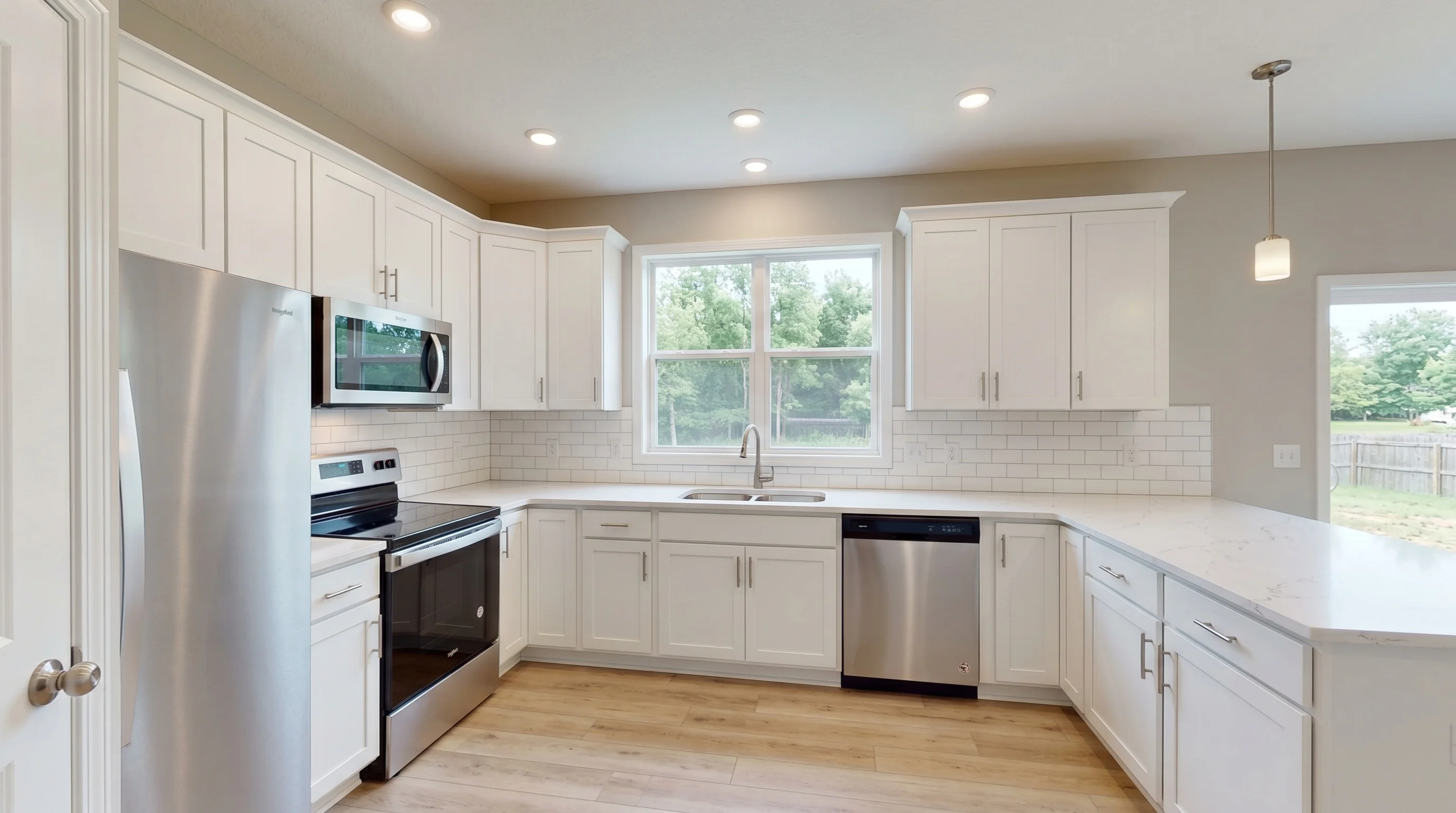
Kitchen, staged in modern style
02 · KitchenFinal
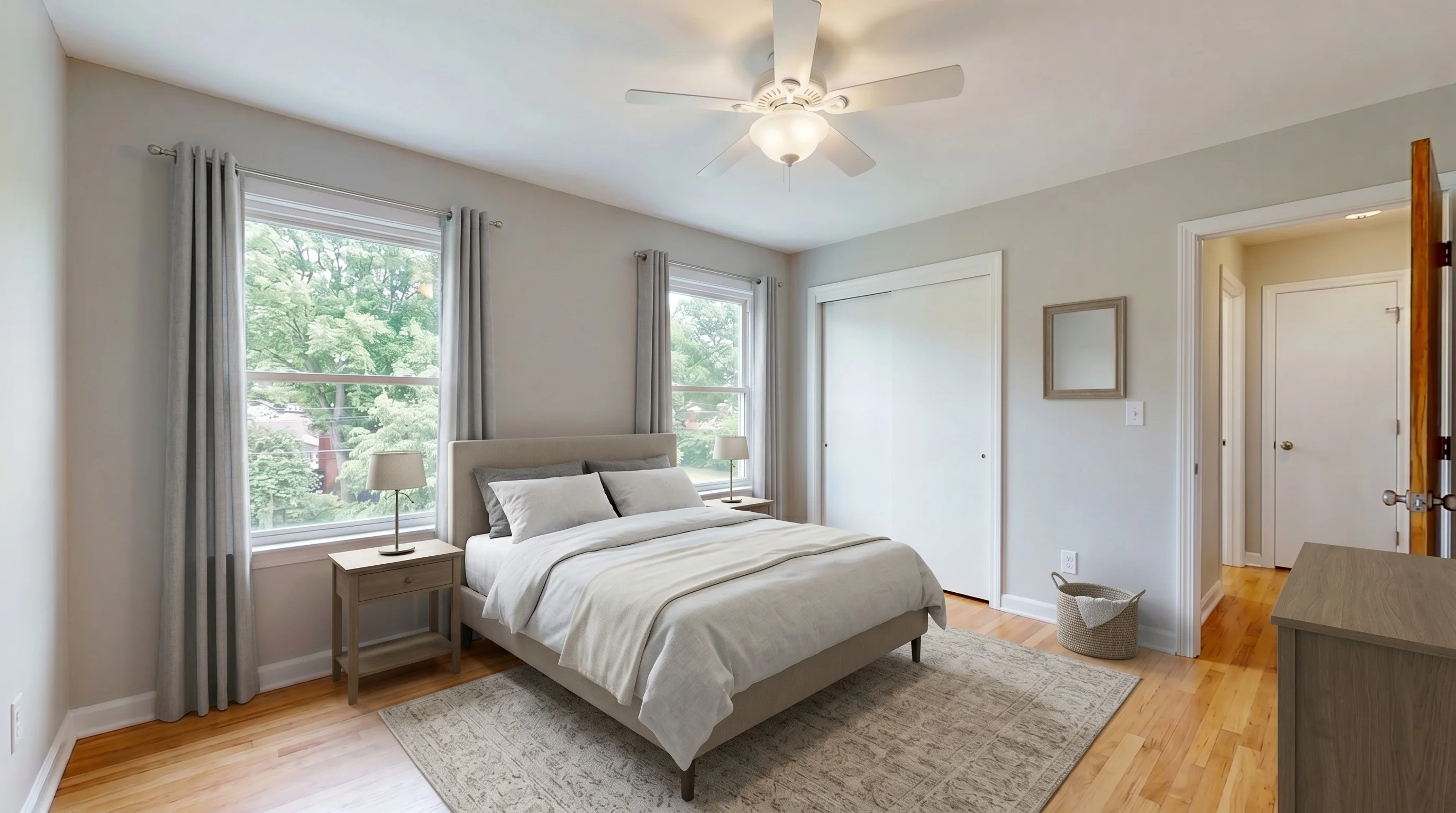
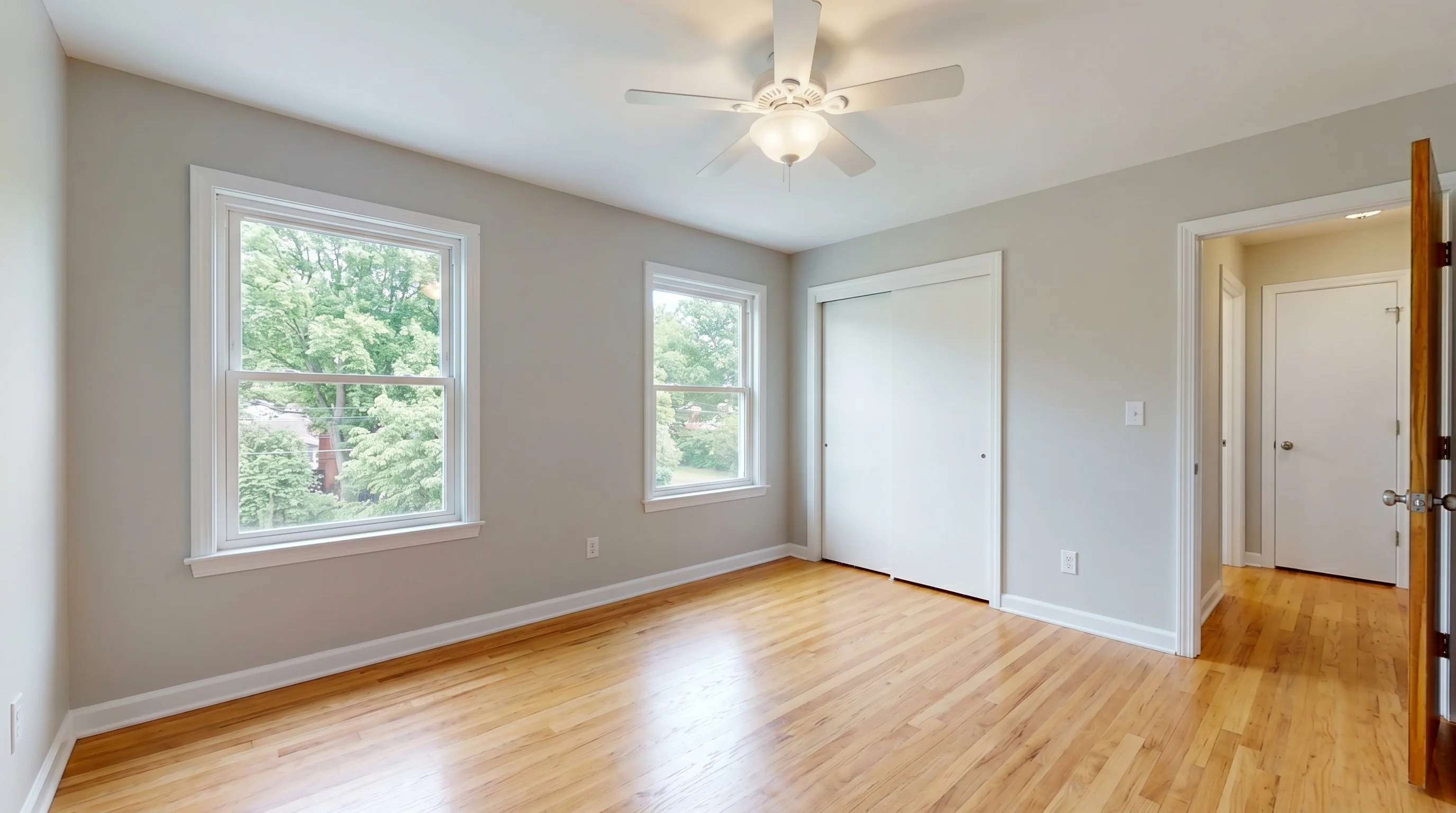
Bedroom, staged in modern style
03 · BedroomFinal
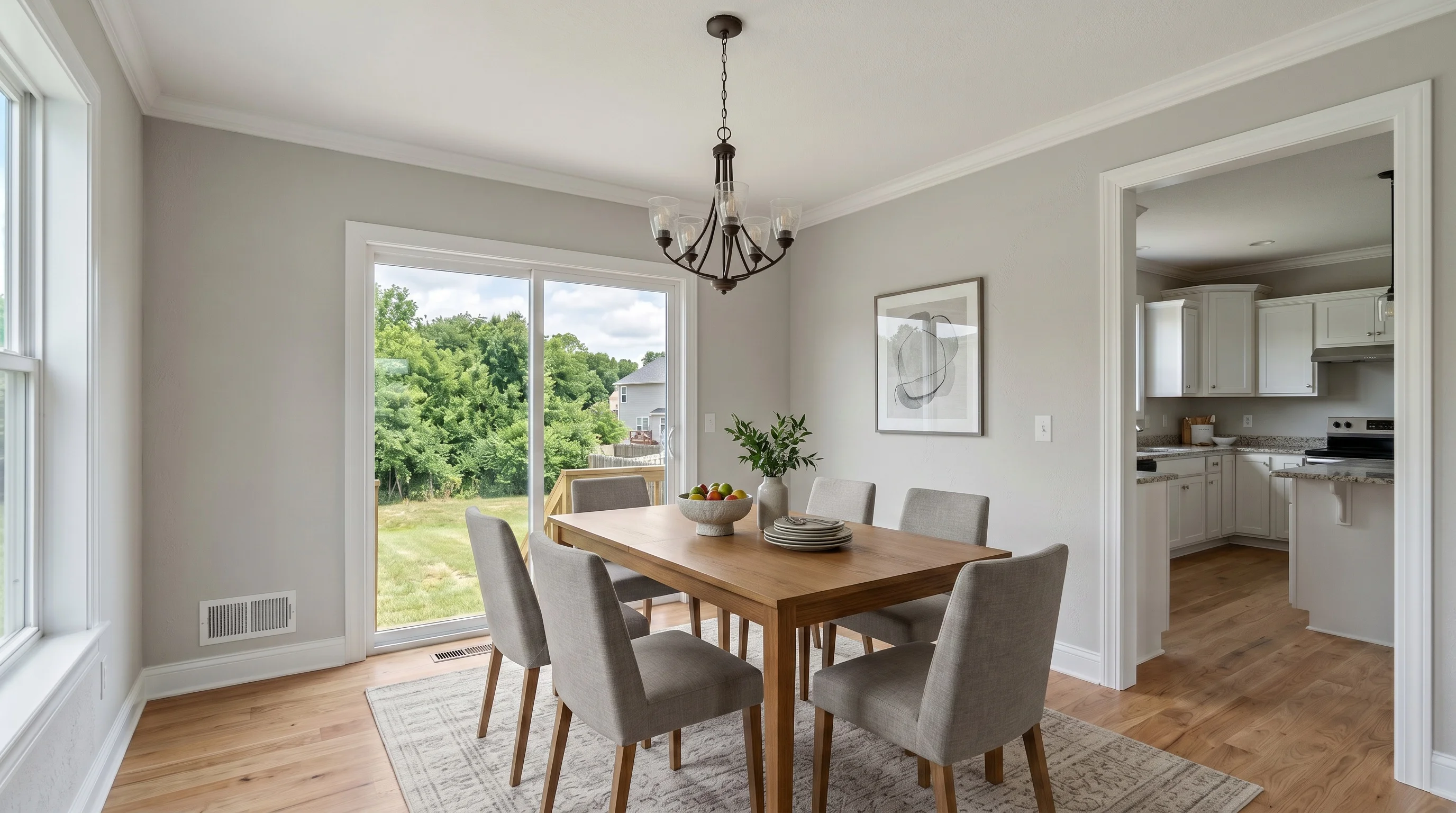
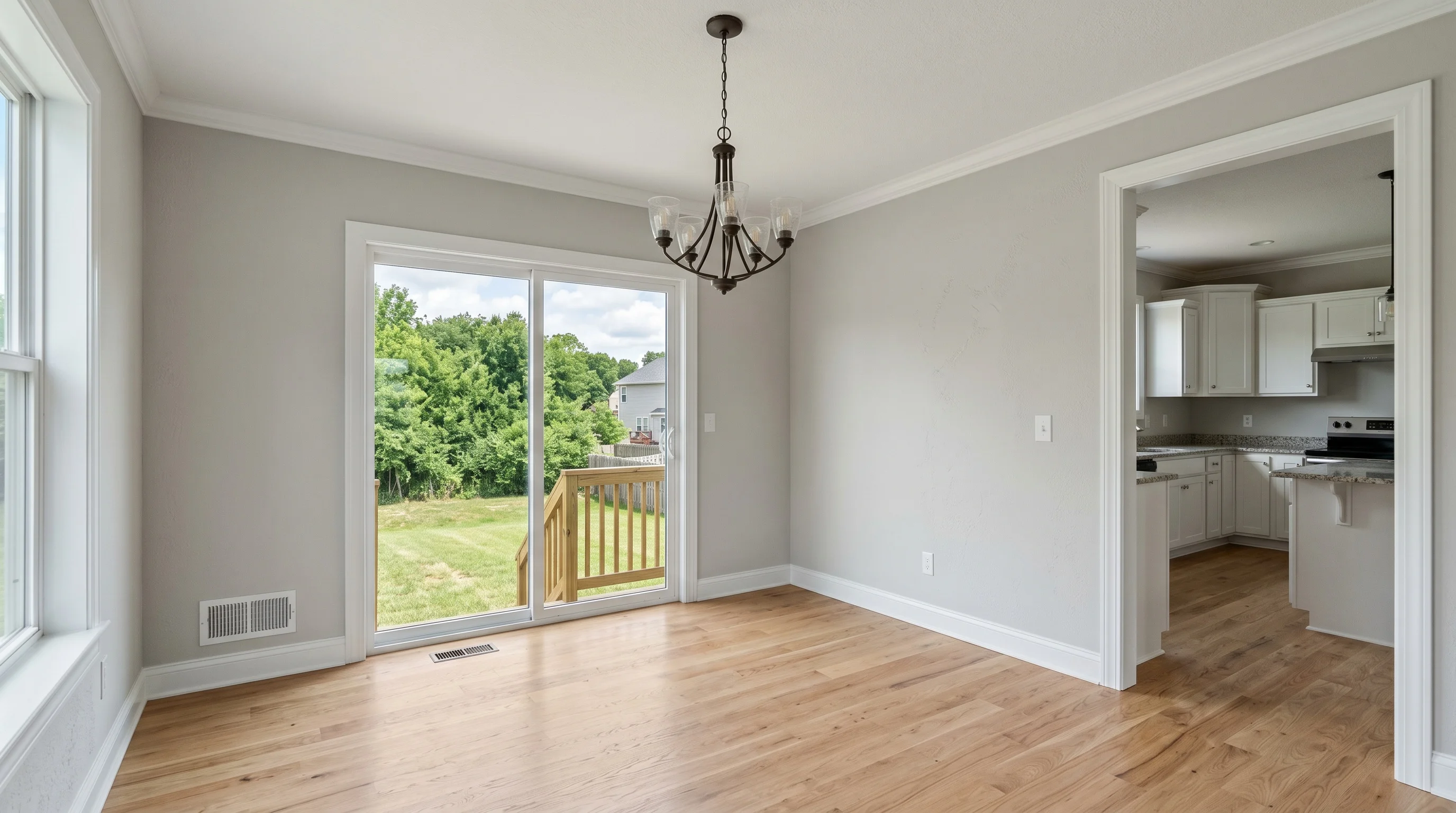
Dining room, staged in modern style
04 · Dining roomFinal

An example listing, not a customer’s. Every staged frame is unretouched model output — no hand retouching, no upscaler.

See every room in the gallery
The original photo of an empty suburban living room, before stagingOriginal
The same living room staged with modern furniture, for comparison with the originalStaged

Review before publishing — you make this call, nothing here does.

Built for listing review

Furniture changes. The property shouldn’t.

Staging is meant to change the furniture and nothing else. It can still alter small details, so compare the staged result with the original before publishing — the same three views you get on every photo in the workspace.

What staging is meant to leave alone

  • Walls
  • Windows
  • Doors
  • Flooring
  • Built-ins
  • Fixtures
The workflow

From your listing photos to the final set.

  1. Add your listing

    Add your listing photos at once. They stay together in one listing workspace from here on.

    Photos · 4
    • 1 · Living roomStaged
    • 2 · KitchenStaged
    • 3 · BedroomGenerating
    • 4 · Dining roomNew
  2. Stage & review

    Stage empty rooms directly. For furnished rooms, use Furniture Removal first. Compare each result against its original, and try another version when you want a different take.

    Versions
    Living room, staged in coastal style
    v2 · CoastalViewing
    Living room, staged in modern style
    v1 · ModernFinal
  3. Approve & deliver

    Mark the version you want for each photo, then download the whole set as one archive.

    listing review
    • Living roomFinal
    • KitchenFinal
    • BedroomFinal
    • Dining roomFinal

All three stages run on the free tier — three photos, watermarked, same model and same output size as a paid plan. Staging and Furniture Removal share that allowance.

Open the workspace
Ready to hand off

Review the set. Publish with confidence.

Mark the version you want as final for each photo, still comparing it against its original as you go. What downloads is one archive: photos in listing order, plus a report naming anything left out.

  • Final versions
  • Ordered filenames
  • Disclosure starter

Disclosure requirements vary by MLS and platform — the file in the archive is wording to start from, not a substitute for the rules that apply to your listing.

listing.zip4 / 4 final
Living room, staged in modern style01FinalLiving room
Kitchen, staged in modern style02FinalKitchen
Bedroom, staged in modern style03FinalBedroom
Dining room, staged in modern style04FinalDining room
  • 01-living-room.jpg
  • 02-kitchen.jpg
  • 03-bedroom.jpg
  • 04-dining-room.jpg
  • disclosure.txt
  • download-report.txt

Pricing that fits real listing volume

Pick a plan based on how many empty-room photos you need to stage each month, without paying designer-style per-image fees.

Save up to 48%
Try the full workflow.

Free

$0
3 photos total
  • 3 photos total (lifetime)
  • Watermarked results
  • History: 7 days

No credit card required.

For agents getting started.

Standard

$13/ month
$25 /mobilled monthly
36 photos/mo · ~9 listings
$0.36/image · vs $30–50 designer
  • No watermark
  • High resolution (2K)
  • Furniture removal
  • Email support

7-day refund · Cancel anytime · Auto-renews

Top choice for active agents
For high-volume agents.

Professional

$39/ month
$65 /mobilled monthly
108 photos/mo · ~27 listings
$0.36/image
  • Standard, plus
  • Priority queue
  • Priority support
  • Same listing-ready quality

7-day refund · Cancel anytime · Auto-renews

For agencies and teams.

Business

$69/ month
$105 /mobilled monthly
216 photos/mo · ~54 listings
$0.32/image
  • Professional, plus
  • Top priority queue
  • Dedicated support
  • Team-ready volume

7-day refund · Cancel anytime · Auto-renews

Cancel anytime·7-day satisfaction guarantee·Secure billing via Stripe
Most popular pack
Pack M
$99one-time
50 staging credits. Never expires.
FAQ

Frequently asked questions

Quick answers to common questions about AI virtual staging.

Yes, and you can choose the photo before you make an account — pick or drag your files on this page and they stay in your own browser until you sign in. Signing in gives you three photos for the life of the account, with no credit card. Free results carry a watermark and are otherwise the same model, the same styles and the same output size as a paid photo.
You can upload every room in the listing at once and work through them in one workspace, which keeps the set, the settings and the finished versions together until you download them as one archive. Generation itself runs a photo at a time — there is no single press that stages the whole listing — but you never lose your place in the set between photos.
Yes. Furniture Removal removes furniture, decor and clutter from an occupied room and returns a vacant shot, on the same account and the same credit pool. To furnish the room you cleared, download the cleared photo and upload it into staging — the two tools do not hand the file across for you yet. Compare the cleared result with the original before you use it, especially walls, windows, built-ins and flooring.
It is not supposed to. Generation is constrained to leave the property itself alone and change only what is furnishable. Generative results can still move a detail, so compare the staged result with the original before publishing — every photo opens with Before, After and Side by side, and walls, windows, doors, flooring, built-ins and fixtures are what to look at. Nothing in the product inspects the output for you, and no photo is marked as passing.
Generate another version of the same photo. Re-rolling does not spend another photo from your allowance: each photo allows up to 3 total versions on the free tier (the first generation plus 2 regenerations) and up to 15 on any paid plan. Looking at a new version changes nothing on its own — the photo keeps delivering the version you marked final until you press Make Version N final on a different one.
JPEG, PNG and WebP, up to 20MB per photo. iPhone HEIC files are converted in your browser when it can read them, and told apart from a genuinely broken file when it cannot, so you know to export a JPEG instead. The best results usually come from clear empty-room photos shot from a corner with the lights on and visible floor area, whether they come from a DSLR, a photographer or a modern phone.
One archive per listing, ordered and named the way the listing reads — 01-living-room.jpg, 02-kitchen.jpg and so on — carrying the version you marked final for each photo, plus a disclosure.txt with wording you can start from and a download report naming anything the export could not include.
Yes. Every plan, including the free tier, includes a commercial license covering listing, marketing, social media, and advertising use — subject to applicable disclosure requirements and MLS rules. Free-tier images are licensed on the condition that the watermark stays in place.
Review every staged result before publishing, keep the original photo, and follow the MLS and local disclosure requirements that apply to your listing. The archive ships a disclosure.txt to start from, but requirements vary by market and platform, so confirm the current rules for each publishing workflow yourself.
It depends on how many rooms you stage, so the useful number is the per-photo price. A Pack S is $29 for 10 photos ($2.90 each) and a Pack M is $99 for 50 ($1.98 each); Standard is $25 a month for 36 photos, or $13 a month billed annually for 432 photos a year — about $0.69 and about $0.36 a photo when all of the allowance is used, and more per photo if it is not. A six-room listing is six photos on any of those. Staging and Furniture Removal draw on the same allowance, so a room you clear and then stage uses two photos rather than one. Packs do not expire; plan allowances reset with the billing period.

Stage your next listing today.

Free for 3 photos. No credit card required.

3 free photosNo credit cardCommercial use included